Carbonite Cloud Backup Review (2025): Is It Still the Best Choice for Business?
In this comprehensive Carbonite review, we test one of the industry’s most recognizable cloud backup solutions. With ransomware attacks on the rise in 2025, the question isn’t if you need backup, but which one to choose.
Is Carbonite’s “unlimited storage” promise still valid? Does the upload speed hold up against modern competitors? We dive deep into features, security, and real-world performance to help you decide.
🚀 The Quick Verdict
Carbonite is the ideal “set-it-and-forget-it” solution for non-technical users and businesses who want automated peace of mind. While it isn’t the fastest service on the market, its unlimited storage for personal plans and top-tier security compliance (HIPAA) make it a winner for simplicity and protection.
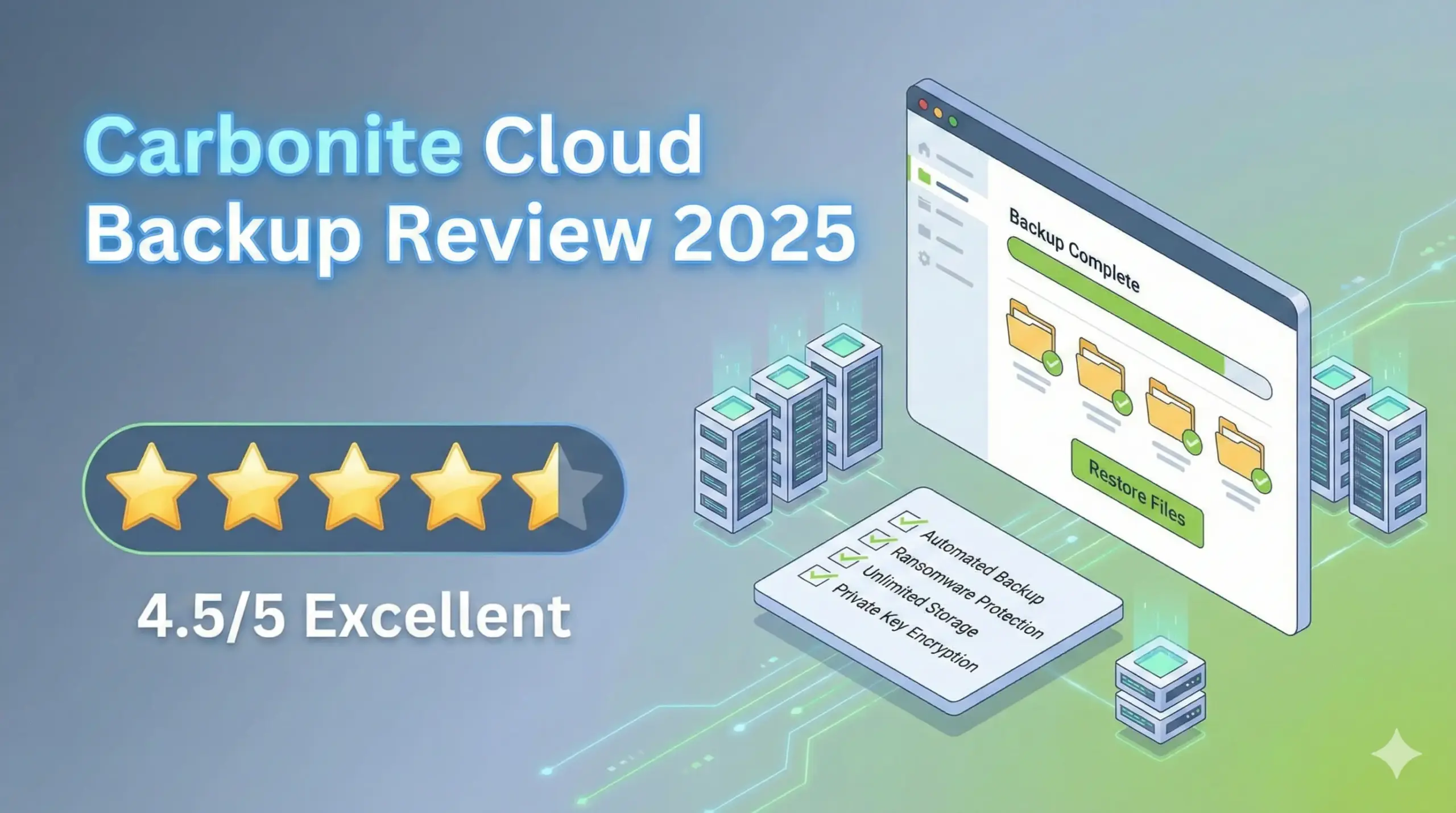
Rating: ⭐⭐⭐⭐☆ (4.2/5)
Pros and Cons
✅ The Good
- True “Set and Forget”: Runs quietly in the background without nagging.
- Unlimited Storage: (Basic plans) No caps on how much data you back up from one PC.
- Private Encryption Key: You can manage your own key for maximum privacy.
- Courier Recovery: They will ship a physical hard drive to you if restoring over the internet is too slow.
❌ The Bad
- Upload Speeds: Can be throttled; initial backups take time.
- No Monthly Billing: Most plans require a 1-year or 2-year commitment.
- Mobile App Limits: Good for viewing, but you can’t backup mobile devices directly.
Key Features Breakdown
1. Automated & Continuous Backup
Once installed, Carbonite scans your computer for documents, photos, emails, and settings. Unlike standard cloud storage (like Dropbox), you don’t need to drag files into a special folder. If you save a file to your desktop, Carbonite backs it up automatically.
2. Security & Encryption
This is Carbonite’s strongest selling point. Data is encrypted using 128-bit Blowfish encryption locally before it leaves your computer, and then transferred via Secure Socket Layer (SSL).
For businesses with strict compliance needs (legal, medical), Carbonite supports HIPAA, GLBA, and FERPA compliance. You also have the option to manage your own Private Key, meaning not even Carbonite staff can access your data.
3. Recovery Options (The Courier Service)
If your computer crashes completely, downloading 500GB of data can take weeks. Carbonite offers a Courier Recovery service: they copy your data onto an external hard drive and ship it to your office anywhere in the US. This feature alone justifies the price for many business owners.
Carbonite Pricing Plans (2025)
Carbonite splits its offering into two distinct categories: Home (one computer, unlimited space) and Business (multiple computers, limited space).
| Plan Type | Estimated Price | Storage Limit | Best For |
|---|---|---|---|
| Carbonite Safe (Basic) | ~$50 – $84 / year | Unlimited | Freelancers / Home Users |
| Safe Backup Pro | ~$288 / year | 250GB Shared | Small Offices (up to 25 PCs) |
| Server Backup | Custom Quote | 500GB+ | Servers & Databases |
Performance Test: Speed and Usage
In our testing, Carbonite is designed to be lightweight. It won’t slow down your computer while you work. However, this comes at a cost: upload speeds are moderate.
- Initial Backup: Expect this to take several days if you have terabytes of data.
- System Impact: Very low. We barely noticed it running on a standard Windows 11 laptop.
Carbonite vs. The Competition
How does it stack up against rivals?
- Vs. Backblaze: Backblaze is generally faster and cheaper for personal use, but Carbonite offers better customer support and compliance features for businesses.
- Vs. Dropbox: Read our full comparison here. Briefly: Dropbox is for sharing; Carbonite is for disaster recovery.
Final Verdict
Carbonite proves to be a reliable and secure backup solution, particularly valuable for businesses prioritizing data security and ease of use. While the pricing structure requires a yearly commitment, the inclusion of Courier Recovery and 24/7 US-based support provides an insurance policy that free tools simply cannot match.
Recommendation: Use Carbonite if you want to install software once and never worry about data loss again.
Frequently Asked Questions
Is Carbonite safe for HIPAA compliance?
Yes, Carbonite is fully HIPAA compliant, making it a standard choice for medical and dental practices in the US.
Does Carbonite backup external hard drives?
Yes, but it depends on the plan. The “Basic” plan does not, but “Plus” and “Prime” plans (and all Business plans) support external drive backup.
How long does Carbonite keep deleted files?
Carbonite keeps deleted files for 30 days. If you accidentally delete a file, you have a one-month window to restore it before it is gone forever.