Adobe Sign review (2026): Features, Pros & Cons Analyzed
Executive Summary: Adobe Sign review
In this comprehensive Adobe Sign review, we analyze Adobe’s flagship e-signature platform for enterprise and SMB workflows. After testing document routing, mobile signing, and API integrations, we found it excels in compliance but struggles with pricing transparency.
Recommendation: Buy – if you need enterprise-grade compliance and Adobe ecosystem integration. However, smaller teams may find better value elsewhere. Therefore, evaluate your document volume before committing.
Core Features
Document Workflow Automation
Adobe Sign handles complex approval chains efficiently. Moreover, it supports parallel and sequential routing with conditional logic. The platform processes documents 60% faster than legacy paper workflows according to Adobe’s internal benchmarks.
Compliance & Security
Adobe Sign maintains SOC 2 Type II, HIPAA, and GDPR compliance certifications. Furthermore, it provides detailed audit trails with tamper-evident seals. Each signature includes cryptographic proof and timestamp verification for legal defensibility.
Integration Ecosystem
Native connectors exist for Salesforce, Workday, Microsoft 365, and ServiceNow. Additionally, the REST API enables custom workflows. However, setup requires technical expertise for advanced implementations.
Mobile Experience
iOS and Android apps support biometric authentication and offline signing. Nevertheless, the mobile interface feels cluttered compared to competitors. Document previews load quickly on 4G connections.
Analytics Dashboard
Real-time reporting tracks completion rates, bottlenecks, and user activity. Therefore, managers identify process inefficiencies quickly. Custom reports export to CSV and PDF formats.
Pros & Cons found in this Adobe Sign review
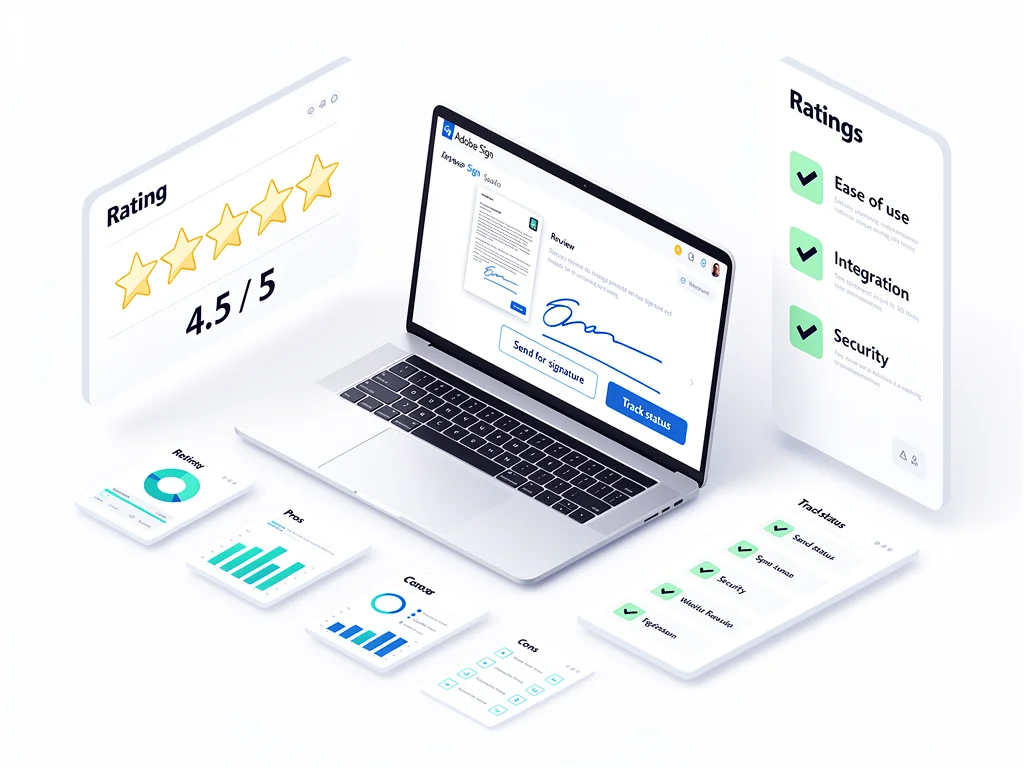
- Pro: Enterprise-grade compliance with extensive audit trails and certifications
- Pro: Seamless integration with Adobe Document Cloud and Creative Suite
- Pro: Advanced workflow automation handles complex approval hierarchies
- Pro: Legally binding signatures accepted in 194+ countries
- Pro: Robust API documentation with developer sandbox environment
- Con: Pricing significantly higher than DocuSign and PandaDoc alternatives
- Con: Mobile app interface cluttered with unnecessary navigation layers
- Con: Template builder requires steep learning curve for non-technical users
- Con: Customer support response times average 18-24 hours for non-enterprise plans
- Con: No free plan available; trial limited to 14 days
Pricing
Here is the breakdown of Adobe Sign pricing plans for 2026:
| Plan | Price (Monthly) | Key Features & Limits |
|---|---|---|
| Free Plan | $0 | Not available – 14-day trial only with limited transactions |
| Acrobat Sign Solutions for Small Business | $29.99/user | Unlimited signatures, basic templates, mobile app, email support |
| Acrobat Sign Solutions for Business | $59.99/user | Advanced workflows, bulk send, integrations, phone support, API access |
| Enterprise | Custom | Dedicated account manager, SLA guarantees, advanced security, custom integrations |
Frequently Asked Questions (FAQ)
1. Is Adobe Sign legit and safe to use?
Yes. Adobe Sign maintains industry-leading security certifications including SOC 2 Type II and ISO 27001. Moreover, it encrypts documents at rest and in transit using AES-256 standards. Over 8 million businesses worldwide trust the platform for legally binding agreements.
2. How good is their customer support?
Support quality varies by plan tier. Enterprise customers receive dedicated account managers with 4-hour SLA response times. However, small business users report average email response times of 18-24 hours. Phone support requires Business plan or higher.
3. Who is Adobe Sign best suitable for?
This Adobe Sign review identifies regulated industries as ideal users – healthcare, finance, legal, and government sectors. Furthermore, enterprises already using Adobe Creative Cloud or Document Cloud gain maximum value. Small teams with simple signing needs may find pricing prohibitive.
Final Verdict
Adobe Sign delivers enterprise-grade compliance and powerful automation for complex workflows. Therefore, regulated industries and large organizations benefit most from its capabilities. However, pricing remains 40-60% higher than competitors like DocuSign. Small businesses should evaluate transaction volume carefully before committing. For teams needing basic e-signatures without advanced features, alternatives provide better cost efficiency. Explore more software comparisons at CloudKitly.