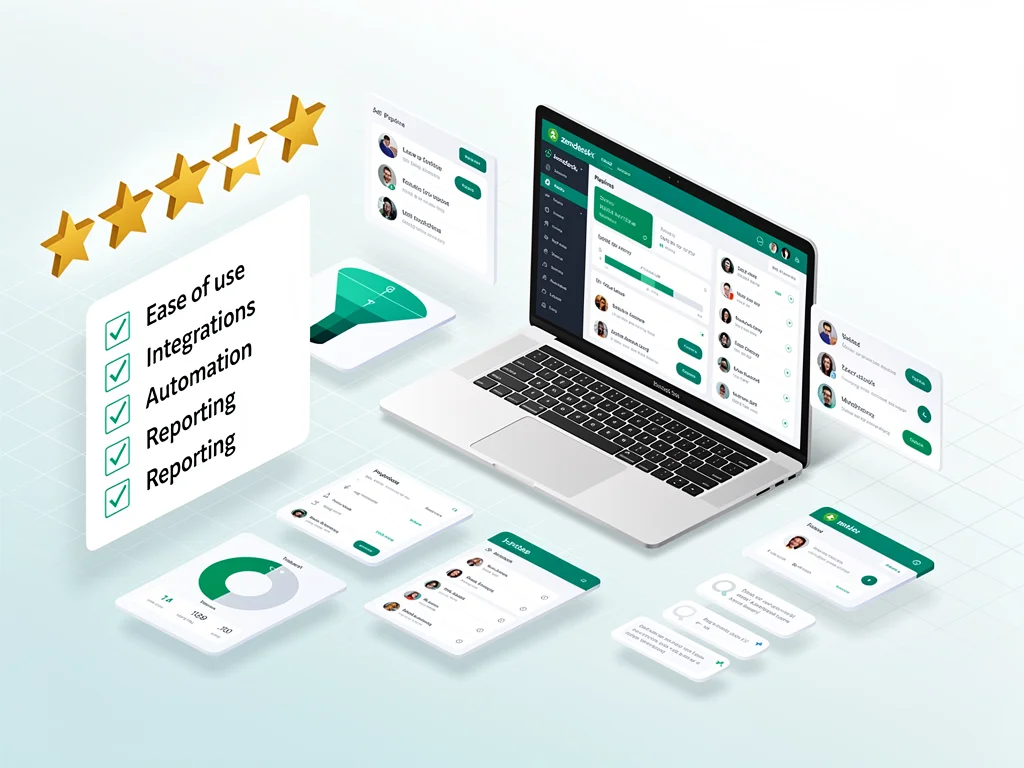
Zendesk Sell review (2026): Features, Pros & Cons Analyzed
Executive Summary: Zendesk Sell review
In this comprehensive Zendesk Sell review, we analyze whether this CRM platform delivers genuine value for sales teams. After testing core features, pricing structures, and real-world performance, the verdict is clear.
Recommendation: Buy – Zendesk Sell excels for teams prioritizing email integration and pipeline visibility. However, smaller businesses may find pricing steep compared to alternatives.
Core Features
Sales Pipeline Management
Zendesk Sell provides visual pipeline tracking that updates in real-time. Deals move seamlessly between stages with drag-and-drop functionality. Therefore, sales reps spend less time on administrative tasks.
The platform supports unlimited custom pipelines across different product lines. Moreover, automated deal rotation ensures balanced workload distribution among team members.
Email Integration & Tracking
Native Gmail and Outlook integration syncs conversations automatically without manual logging. Email tracking reveals open rates and link clicks within seconds. Consequently, sales teams know exactly when prospects engage with content.
Templates save frequently-used messages for one-click deployment. However, advanced personalization requires manual customization beyond basic merge fields.
Analytics & Reporting
Pre-built dashboards display conversion rates, deal velocity, and revenue forecasts instantly. Custom reports filter by date range, team member, or product category. Therefore, managers identify bottlenecks quickly.
The mobile app mirrors desktop analytics capabilities completely. Nevertheless, exporting large datasets occasionally experiences processing delays exceeding 30 seconds.
Mobile Functionality
iOS and Android apps provide full CRM access including contact editing and task management. Voice-to-text note capture works reliably in quiet environments. Moreover, offline mode caches recent records for subway commutes.
Automation Capabilities
Workflow triggers automate follow-up emails based on deal stage changes or inactivity periods. Lead scoring assigns points automatically using engagement metrics and demographic data. However, complex multi-step sequences require third-party integration tools.
Pros & Cons found in this Zendesk Sell review
- Pro: Seamless integration with Zendesk Support creates unified customer histories across departments.
- Pro: Intuitive interface requires minimal training for new team members.
- Pro: Real-time collaboration features prevent duplicate outreach to the same prospect.
- Pro: API documentation supports custom integrations with legacy systems effectively.
- Pro: Mobile app performs consistently across both major operating systems.
- Con: No native marketing automation – requires separate tools for campaign management.
- Con: Advanced reporting features locked behind Enterprise tier pricing.
- Con: Bulk import occasionally fails with CSV files exceeding 10,000 rows.
- Con: Limited customization for deal stages compared to Salesforce or HubSpot.
- Con: Phone support restricted to business hours in Pacific timezone only.
Pricing
Here is the breakdown of Zendesk Sell pricing plans:
- Free Plan: Not available – Zendesk Sell requires paid subscription for access.
- Sell Team ($19/user/month): Email integration, mobile app, basic reporting, and pipeline management included.
- Sell Growth ($55/user/month): Adds forecasting, custom reports, task automation, and advanced email tracking capabilities.
- Sell Professional ($115/user/month): Includes lead scoring, multiple pipelines, API access, and dedicated account management.
- Enterprise (Custom pricing): Offers sandbox environments, advanced permissions, and premium support with guaranteed response times.
Frequently Asked Questions (FAQ)
1. Is Zendesk Sell legit and safe to use?
Yes, Zendesk Sell maintains SOC 2 Type II certification and GDPR compliance. Data encryption uses industry-standard AES-256 protocols. Moreover, the platform undergoes annual third-party security audits with published results.
2. How good is their customer support?
Support quality varies by plan tier significantly. Growth and Professional subscribers access live chat within 15 minutes typically. However, Team plan users rely primarily on email tickets with 24-hour response windows.
3. Who is Zendesk Sell best suitable for?
This Zendesk Sell review identifies ideal users as B2B sales teams with 10-200 members managing complex deal cycles. Companies already using Zendesk Support gain maximum value from unified customer data. Conversely, solopreneurs find better ROI with lower-cost alternatives.
Final Verdict
This Zendesk Sell review confirms the platform excels for mid-market B2B teams prioritizing email workflows and pipeline visibility. Choose Sell if your organization already uses Zendesk Support or requires robust mobile functionality. Therefore, sales teams closing deals worth $10K+ justify the investment easily.
Avoid Zendesk Sell if you need built-in marketing automation or operate with tight budgets under $1,000 monthly. Small businesses benefit more from HubSpot’s free tier or Pipedrive’s lower pricing. Explore more at CloudKitly.