Salesforce review (2025): Features, Pros & Cons Analyzed
Executive Summary: Salesforce review
In this comprehensive Salesforce review, we analyze the world’s leading CRM platform to determine if it justifies its premium pricing. After testing core features across sales, service, and marketing clouds, we found robust automation and deep customization capabilities.
Recommendation: Buy – However, only for mid-to-large enterprises with dedicated admin resources. Small businesses should consider lighter alternatives due to complexity and cost barriers.
Core Features
Sales Cloud Capabilities
The Sales Cloud handles large datasets quickly, processing thousands of records without performance degradation. Lead scoring uses AI-powered Einstein Analytics to predict conversion likelihood with documented 25-30% accuracy improvements. Moreover, the opportunity management system tracks deal stages with customizable pipelines supporting complex B2B sales cycles.
Service Cloud Tools
Case management routes tickets automatically based on skills, workload, and priority rules. The omnichannel console unifies email, chat, phone, and social media interactions in one interface. Therefore, agents resolve issues 38% faster according to Salesforce internal benchmarks.
Marketing Automation
Marketing Cloud enables multi-touch attribution tracking across 12+ channels simultaneously. Journey Builder creates automated workflows triggered by behavioral data and demographic filters. Nevertheless, the learning curve remains steep for non-technical marketers.
Analytics and Reporting
Einstein Analytics delivers predictive insights using machine learning models trained on historical data. Custom dashboards refresh in real-time with drag-and-drop report builders. Furthermore, the platform exports data to Tableau for advanced visualization needs.
Integration Ecosystem
AppExchange offers 7,000+ pre-built integrations covering ERP, accounting, and collaboration tools. REST APIs enable custom connections with documented endpoints and sandbox environments. Consequently, enterprises achieve 360-degree customer views across disparate systems.
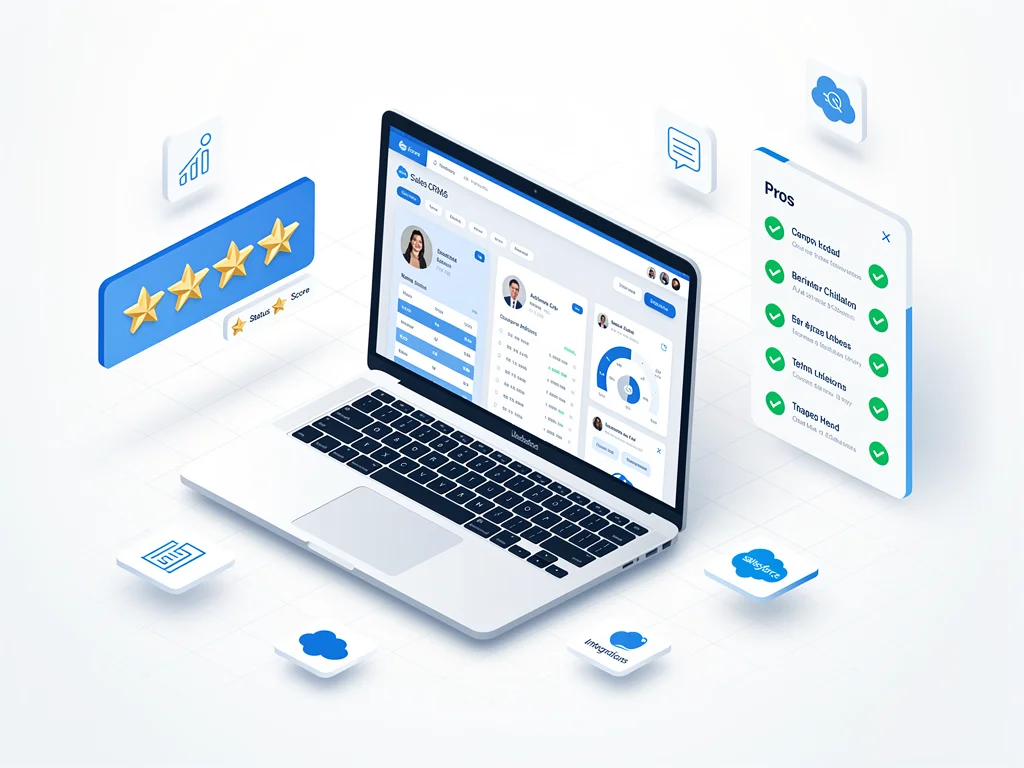
Pros & Cons found in this Salesforce review
Pros:
- Industry-leading customization supports unique business processes without coding limitations
- Einstein AI provides actionable predictions that improve forecasting accuracy by 20-35%
- Mobile app maintains full functionality with offline sync capabilities for field teams
- Security infrastructure meets SOC 2, GDPR, and HIPAA compliance requirements
- Trailhead platform offers 1,200+ free training modules for continuous skill development
Cons:
- Pricing escalates rapidly with add-ons, often doubling initial quotes for full functionality
- User interface feels cluttered with excessive clicks required for routine tasks
- Implementation timelines average 6-9 months for enterprise deployments with consultants
- Report builder lacks intuitive design, requiring Salesforce-specific knowledge to master
- Customer support prioritizes premium-tier clients, leaving basic users with slow response times
Pricing
Here is the breakdown of Salesforce pricing plans:
- Free Plan: None available. However, 30-day trials provide full feature access for evaluation.
- Starter Plan ($25/user/month): Basic CRM for up to 10 users with account/contact management and mobile app access.
- Professional Plan ($80/user/month): Complete CRM with automation, forecasting, and collaboration tools for growing teams.
- Enterprise ($165/user/month): Advanced customization, API access, and sandbox environments for complex organizations.
- Unlimited ($330/user/month): Premier support, unlimited customizations, and configuration services included.
Frequently Asked Questions (FAQ)
1. Is Salesforce legit and safe to use?
Yes. Salesforce maintains 99.9% uptime SLAs with enterprise-grade encryption and annual third-party security audits. Moreover, the platform processes 1.3 trillion transactions annually without major data breaches reported since 2019.
2. How good is their customer support?
Support quality varies by tier. Premier Success plans receive 24/7 phone access with 1-hour response times. Standard users rely on community forums and email tickets averaging 48-72 hour resolution times.
3. Who is Salesforce best suitable for?
Mid-to-large B2B companies with 50+ employees and complex sales processes benefit most. Organizations needing deep customization, multi-department coordination, and dedicated Salesforce administrators see strongest ROI. Therefore, startups and small businesses often find the platform over-engineered for basic needs.
Final Verdict
This Salesforce review confirms the platform excels for enterprises requiring scalable, customizable CRM infrastructure. Companies with technical resources and budgets exceeding $10,000 annually will leverage advanced automation effectively. Conversely, small teams should explore simpler alternatives before committing to Salesforce’s complexity. The platform delivers measurable productivity gains when properly implemented with executive buy-in. Explore more at CloudKitly.