ClickUp Pricing 2026: The Real Cost of “One App to Replace Them All”
ClickUp markets itself as the cheapest “do-it-all” tool starting at $7. But in 2026, the base price is irrelevant. The real cost lies in AI credits and Automation limits.
We analyzed the updated 2026 pricing tiers to uncover why the “Unlimited” plan might actually be too limited for your team, and why you likely need to budget for the Business plan.
The Pricing Table (2026 Update)
ClickUp remains cheaper than Asana or Monday.com on paper, but they aggressively upsell add-ons.
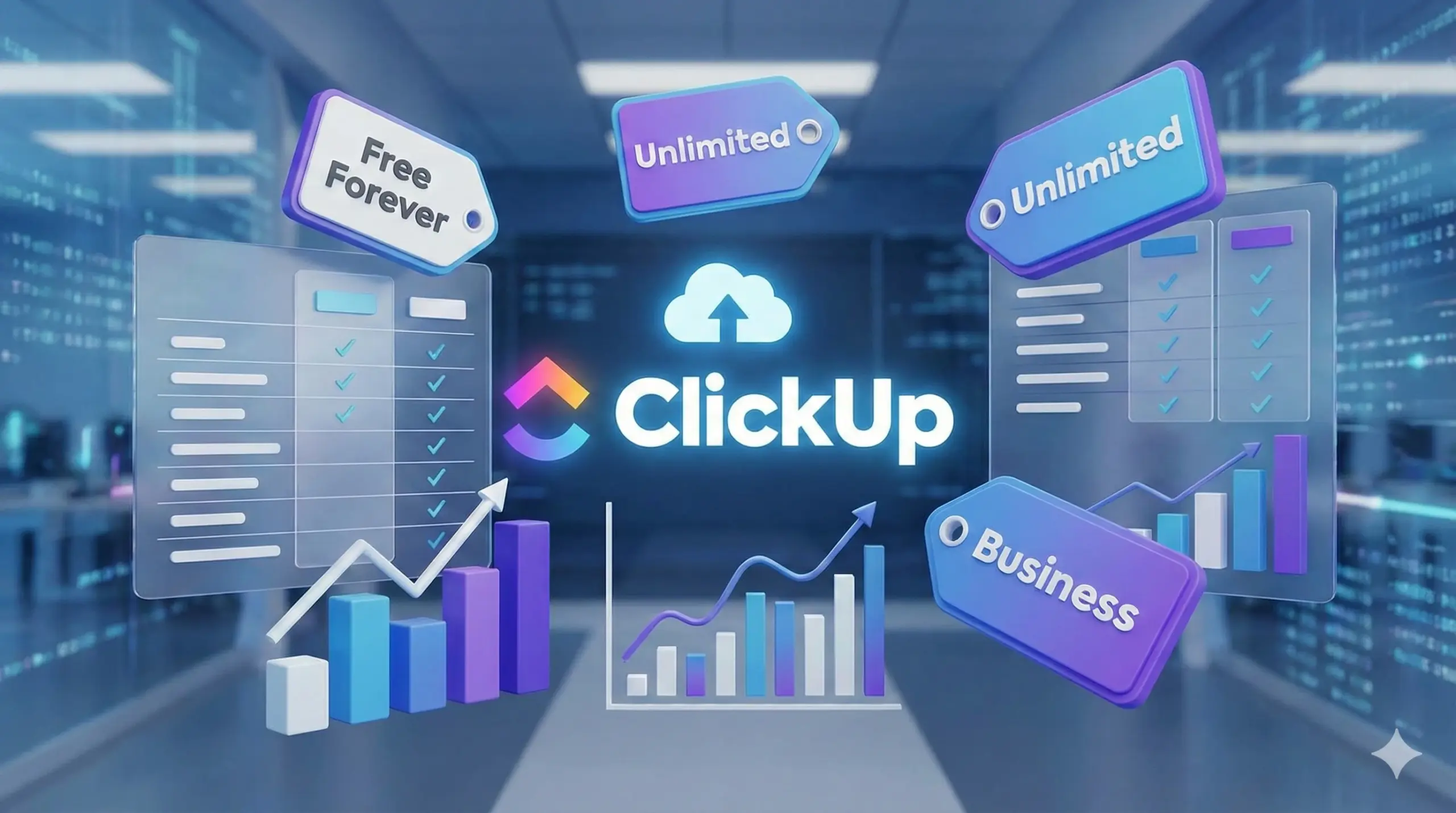
| Plan | Advertised Cost (Yearly) | The Real Limits | Best For |
|---|---|---|---|
| Free Forever | $0 | 100MB Storage (Tiny) No “ClickUp Brain” AI | Freelancers / Personal |
| Unlimited | $7 / user / mo | 1,000 Automations/mo Limited “Future” Views | Small Teams (<10 ppl) |
| Business | $12 / user / mo | Single Sign-On (SSO) Unlimited Teams Advanced Time Tracking | Agencies & Mid-Sized |
| Enterprise | Custom | White Labeling HIPAA Compliance | Corps (100+ seats) |
⚠️ The AI Tax: “ClickUp Brain” (their AI assistant) is NOT included in the base price. It is a separate add-on costing $5 per user/month. In 2026, using ClickUp without AI feels like using a Nokia phone, so factor this in.
The “Hidden Costs” Breakdown
Where does ClickUp get you? It’s not the user fee, it’s the usage caps.
- Automation Overage: The “Unlimited” plan has a hard cap of 1,000 automations per month. If your team has 5 people and you automate task assignments, Slack notifications, and status changes, you will hit this limit in Week 2. Upgrading to Business is often forced by this metric alone.
- The “ClickUp Brain” Add-on: They integrate AI into everything (writing, searching, summarizing). It costs $5/user extra. For a team of 10, that’s an extra $600/year just for the “smart” features.
- Email in ClickUp: Sending emails directly from tasks is a killer feature, but the “Unlimited” plan restricts the number of email accounts and signatures.
- Performance / Training Cost: ClickUp 3.0 is faster, but the learning curve is still vertical. Expect to lose 1-2 weeks of team productivity while they learn the difference between a “List,” “Folder,” and “Space.”
💰 The Maths: Is It Cheap?
Let’s calculate the real cost for a Marketing Agency with 10 employees.
- Scenario A (Advertised “Unlimited”): $7 x 10 users = $70/mo.
Reality: You run out of automations on day 15. - Scenario B (Business + AI): ($12 Plan + $5 AI) x 10 users = $170/mo.
Insight: The real functional cost is $17/user, not $7. Still cheaper than Asana ($24+), but know what you are paying for.
Verdict: Should You Buy It?
- ✅ YES, if: You are a feature-hungry agency that wants Docs, Whiteboards, Time Tracking, and Tasks in one place. Even at $17/user, it replaces 4 other subscriptions.
- ❌ NO, if: You want simplicity. ClickUp is complex. If you just need a Kanban board, use Trello or Linear. If you hate configuring settings, ClickUp will drive you crazy.
Frequently Asked Questions (FAQ)
1. Is the “Free” plan actually usable?
For one person? Yes. For a team? No. The 100MB storage limit is tiny (a few PDFs fill it up), and you don’t get the “Form view” to collect requests from clients.
2. Can I share lists with guests for free?
Yes! This is ClickUp’s superpower. You can invite “Guests” (clients) to view specific folders for free. The ratio is usually 5 guests per 1 paid seat on paid plans.
3. Does the price increase on renewal?
ClickUp is known for offering a ~20% discount for the first year (via sales reps), but renewal is often at list price. Always ask for a multi-year lock if you are signing an Enterprise deal.