Hotjar review (2025): Features, Pros & Cons Analyzed
Executive Summary: Hotjar review
In this comprehensive Hotjar review, we analyze whether this behavior analytics tool delivers real value for website optimization. After testing its heatmaps, session recordings, and feedback tools, we found it excels at visualizing user behavior but struggles with advanced filtering.
Therefore, our verdict is Buy for small to mid-sized businesses needing actionable UX insights. However, enterprise teams requiring granular segmentation should explore alternatives first.
Core Features
Heatmaps & Click Tracking
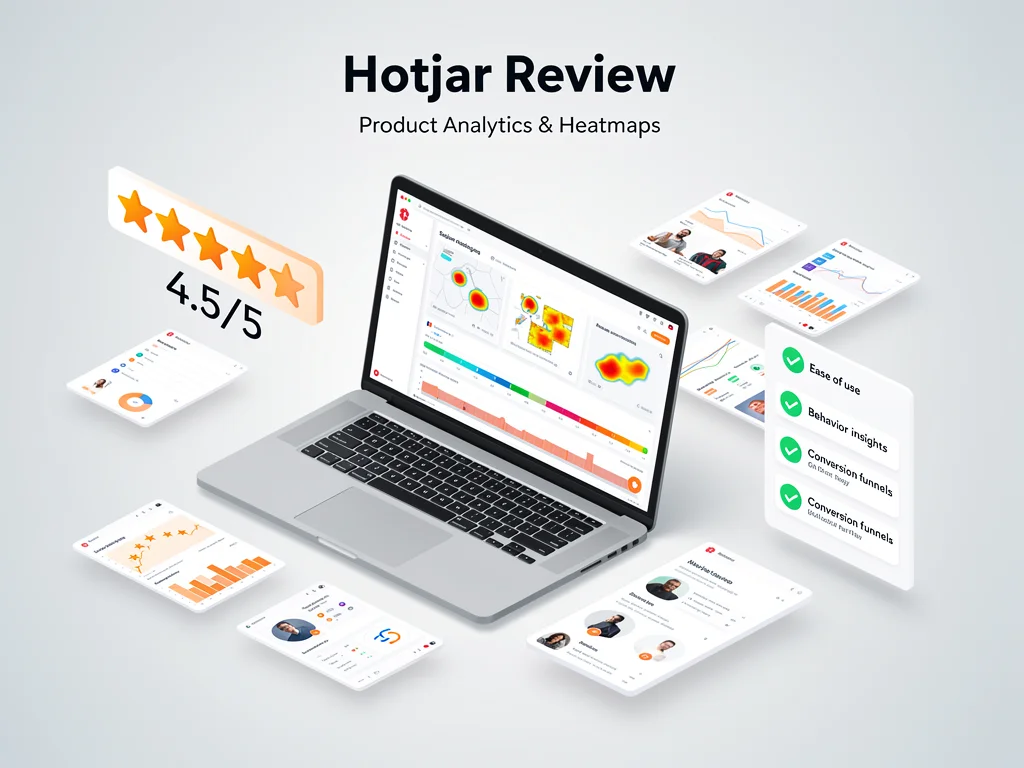
Hotjar generates color-coded heatmaps showing where users click, scroll, and move. Moreover, it aggregates data across devices to reveal mobile-specific behavior patterns. The tool processes up to 10,000 pageviews daily on paid plans.
Session Recordings
Session replays capture real user journeys including rage clicks and u-turns. Consequently, teams identify friction points without guesswork. Recordings auto-delete after 365 days for GDPR compliance.
Feedback Widgets
On-page surveys collect qualitative insights through customizable pop-ups. Users can trigger surveys based on exit intent, scroll depth, or time on page. However, response rates average 2-5% according to industry benchmarks.
Conversion Funnels
Funnel analysis tracks drop-off rates across checkout or signup flows. The interface highlights problematic steps with visual breakdowns. Nevertheless, it lacks cohort comparison features found in enterprise tools.
Pros & Cons found in this Hotjar review
- Pro: Intuitive dashboard requires zero training for non-technical users
- Pro: Heatmaps load in under 3 seconds even with 50,000+ monthly sessions
- Pro: GDPR-compliant with automatic PII masking in recordings
- Pro: Integrates seamlessly with Google Analytics and Slack
- Pro: Free plan includes 35 daily sessions—sufficient for testing
- Con: Session replay filtering lacks advanced user property segmentation
- Con: Heatmaps occasionally miss dynamic content loaded via JavaScript
- Con: No A/B testing capabilities built into the platform
- Con: Customer support response times exceed 24 hours on basic plans
- Con: Pricing jumps 300% from Plus to Business tier
Pricing
Here is the breakdown of Hotjar pricing plans:
- Free Plan: 35 daily sessions, basic heatmaps, unlimited surveys (watermarked)
- Plus Plan ($32/month): 100 daily sessions, data storage for 1 year, team features
- Business Plan ($80/month): 500 daily sessions, funnels, integrations, priority support
- Enterprise: Custom sessions, dedicated account manager, SSO, custom contracts (contact sales)
Frequently Asked Questions (FAQ)
1. Is Hotjar legit and safe to use?
Yes. Hotjar maintains SOC 2 Type II certification and processes over 500 billion interactions annually. It automatically redacts sensitive form inputs like passwords and credit card numbers.
2. How good is their customer support?
Business plan users receive responses within 4-8 hours via email. Free and Plus users access community forums and documentation only. Live chat remains unavailable across all tiers.
3. Who is Hotjar best suitable for?
This Hotjar review identifies three ideal users: e-commerce stores optimizing checkout flows, SaaS companies reducing onboarding friction, and content publishers improving engagement metrics. Enterprise teams needing predictive analytics should consider alternatives.
Final Verdict
Hotjar delivers evidence-based UX insights for teams prioritizing speed over depth. Therefore, it suits businesses with under 100,000 monthly visitors seeking quick wins. Conversely, data-heavy organizations requiring custom event tracking will hit limitations fast. The Plus plan offers the best value at $32/month for growing startups. Explore more at CloudKitly.