Miro pricing Guide (2026): Plans, Costs & Value
Executive Summary: Miro pricing
Understanding Miro pricing structure is crucial for teams evaluating collaborative whiteboard solutions. Miro offers four tiers ranging from free to enterprise-level custom pricing.
Compared to competitors like Mural or FigJam, Miro sits in the mid-range category. However, its feature set justifies the cost for distributed teams needing robust collaboration tools.
Plan Overview
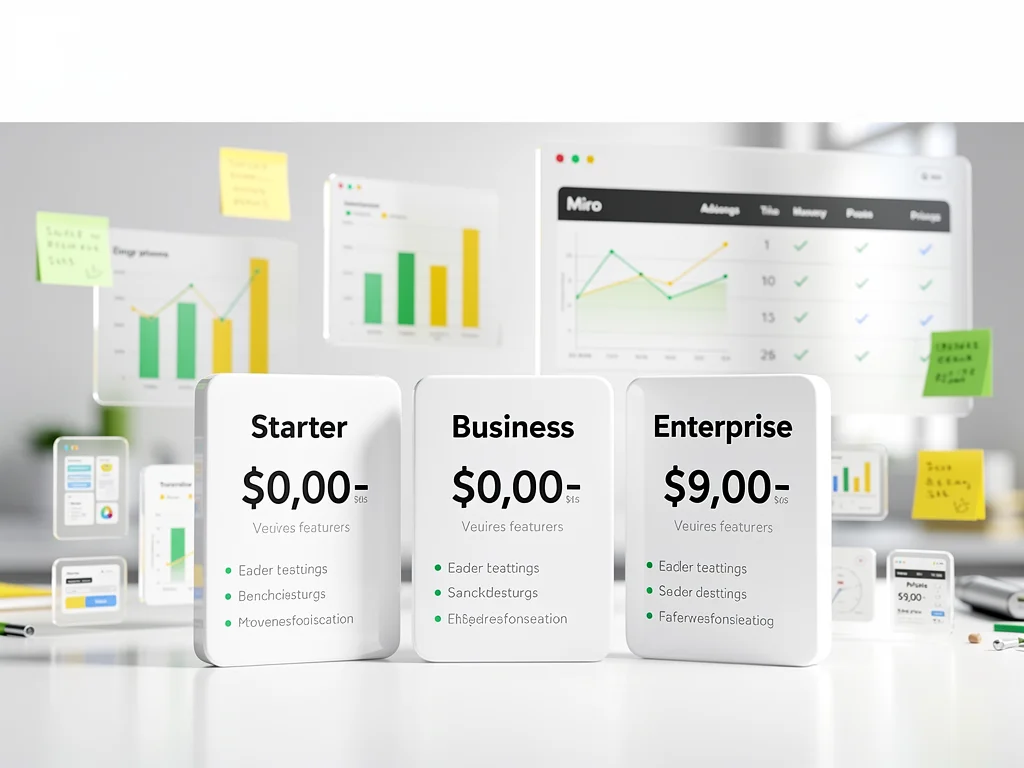
| Plan | Price | Users | Boards |
|---|---|---|---|
| Free | $0 | Unlimited | 3 editable |
| Starter | $8/user/month | Unlimited | Unlimited |
| Business | $16/user/month | Unlimited | Unlimited |
| Enterprise | Contact Sales | Unlimited | Unlimited |
Free Plan Details
The Free plan allows unlimited team members but restricts users to three editable boards. Additionally, you get access to core templates and basic integrations with Slack and Microsoft Teams. Consequently, this tier works well for small projects or trial purposes. However, the three-board limit becomes restrictive quickly for active teams.
Paid Plans Deep Dive
Starter ($8/user/month)
The Starter plan removes board limitations and adds essential features:
- Unlimited editable boards
- Custom templates
- Attention management tools
- Basic visitor access controls
This tier suits freelancers and small teams (3-10 people) needing consistent collaboration. However, it lacks advanced security features required by larger organizations.
Business ($16/user/month)
Business tier doubles the cost but significantly expands capabilities:
- Private boards with content permissions
- SSO (Single Sign-On) integration
- Advanced export options (PDF, CSV)
- Priority support with faster response times
- Workspace analytics and usage insights
This plan targets mid-sized companies (10-100 employees) requiring enhanced security and administrative controls. Additionally, the analytics features help justify ROI to stakeholders.
Enterprise (Contact Sales)
Enterprise Miro pricing typically starts around $20-25/user/month based on industry standards. Consequently, custom integrations, dedicated account management, and advanced security audits drive costs higher. Organizations requiring SAML-based SSO, custom data residency, or 99.9% uptime SLAs should expect premium pricing. However, volume discounts apply for teams exceeding 100 users.
Is it worth the money?
For distributed teams, Miro delivers strong ROI through reduced meeting times and improved async collaboration. Teams report 20-30% faster project completion when replacing traditional documentation tools. However, implementation costs exist beyond subscription fees.
Value Verdict
Hidden costs include onboarding time (typically 2-4 weeks for full adoption) and potential training expenses. Additionally, power users may require premium integrations with tools like Jira or Azure DevOps. For teams already using Slack or Microsoft 365, integration value increases significantly. Consequently, the Business plan offers the best value-to-feature ratio for most organizations. Starter works for budget-conscious small teams, while Enterprise justifies its premium only for compliance-heavy industries.
Frequently Asked Questions (FAQ)
1. Does Miro offer a free trial?
Yes, all paid plans include a 14-day free trial with full feature access. No credit card required for activation.
2. Are there any hidden setup fees?
No setup fees exist for standard plans. However, Enterprise customers may incur custom integration costs ranging from $2,000-$10,000 depending on complexity.
3. Can I cancel my subscription anytime?
Yes, monthly subscriptions cancel anytime without penalties. Annual plans require commitment but offer 20% savings compared to monthly billing.
Conclusion
Miro pricing balances affordability with feature depth across its four tiers. The Starter plan provides excellent entry value at $8/user/month, while Business justifies its $16 price point with security features. Consequently, most teams find ROI within 3-6 months through productivity gains. Read more at CloudKitly.