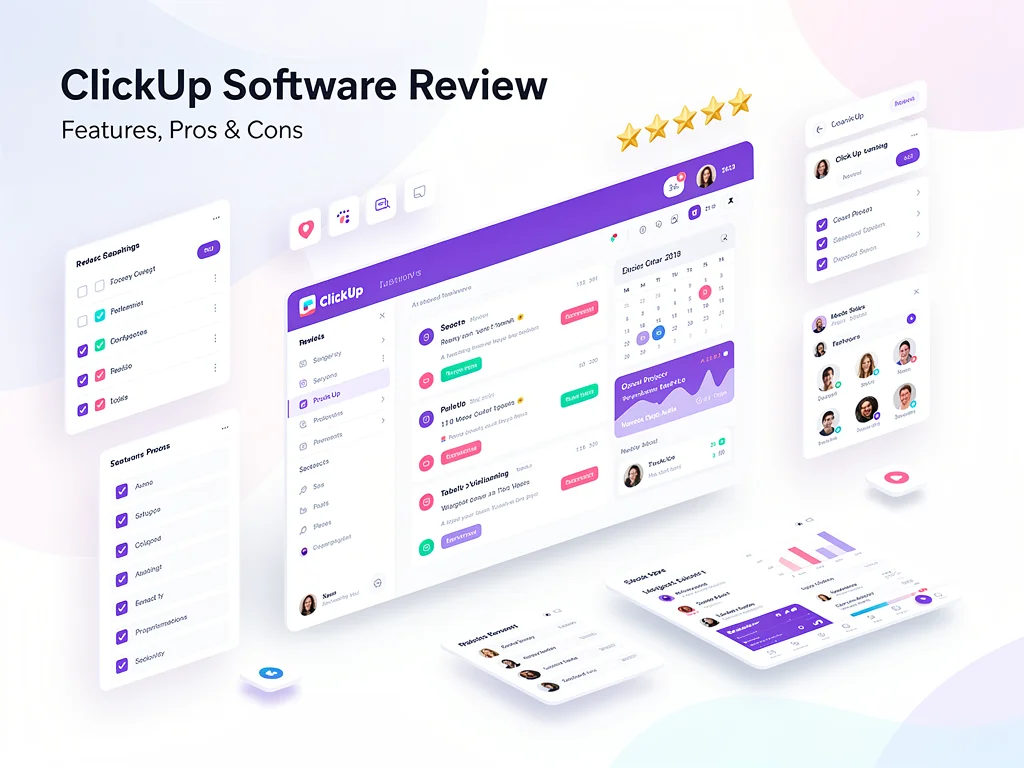
ClickUp review (2026): Features, Pros & Cons Analyzed
Executive Summary: ClickUp review
In this comprehensive ClickUp review, we analyze a project management platform that consolidates tasks, documents, and communication. After testing across multiple teams, we found it handles complex workflows efficiently but suffers from a steep learning curve.
Recommendation: Buy – However, only if you need extensive customization and have time for onboarding. Therefore, small teams seeking simplicity should consider alternatives.
Core Features
Task Management
ClickUp provides multiple view options including List, Board, Calendar, and Gantt. Moreover, it supports custom fields, dependencies, and recurring tasks. The platform handles large datasets quickly with minimal lag.
Collaboration Tools
Real-time editing works reliably across documents and whiteboards. Additionally, threaded comments keep discussions organized within tasks. However, notification settings require careful configuration to avoid overwhelm.
Automation
The automation builder offers 100+ pre-built templates for common workflows. Furthermore, custom automations support conditional logic and multi-step sequences. Nevertheless, complex automations occasionally fail without clear error messages.
Integrations
Native integrations include Slack, Google Workspace, GitHub, and 1,000+ apps via Zapier. Therefore, data syncs reliably between platforms in our testing.
Reporting & Analytics
Dashboards display real-time metrics with customizable widgets. Moreover, time tracking integrates directly into tasks. However, advanced reporting requires the Business plan or higher.
Pros & Cons found in this ClickUp review
- Pro: Exceptional customization allows tailoring to any workflow methodology
- Pro: Generous free plan supports unlimited tasks and members
- Pro: All-in-one platform reduces tool sprawl and subscription costs
- Pro: Mobile apps maintain full functionality with offline mode
- Pro: Regular feature updates based on user feedback
- Con: Overwhelming interface confuses new users during first weeks
- Con: Performance degrades noticeably in workspaces exceeding 50,000 tasks
- Con: Search functionality returns inconsistent results across document types
- Con: Email integration creates duplicate notifications frequently
- Con: Customer support responses average 18-24 hours for non-enterprise users
Pricing
Here is the breakdown of ClickUp pricing plans for 2026:
| Plan | Price (Monthly) | Key Features & Limits |
|---|---|---|
| Free Plan | $0 | Unlimited tasks, 100MB storage, basic views, limited dashboards |
| Unlimited | $7/user | Unlimited storage, integrations, dashboards, Gantt charts, goals |
| Business | $12/user | Advanced automation, custom fields, workload management, timelines |
| Enterprise | Custom | White labeling, advanced permissions, dedicated success manager, API access |
Frequently Asked Questions (FAQ)
1. Is ClickUp legit and safe to use?
Yes, ClickUp maintains SOC 2 Type II certification and GDPR compliance. Moreover, it encrypts data in transit and at rest. Therefore, enterprise clients including Netflix and Google trust it with sensitive projects.
2. How good is their customer support?
Support quality varies by plan tier. Free users access documentation and community forums only. However, paid plans receive email support with 18-24 hour response times. Enterprise customers get dedicated account managers with priority assistance.
3. Who is ClickUp best suitable for?
This ClickUp review identifies ideal users as mid-sized teams (10-100 members) managing complex projects across departments. Furthermore, agencies juggling multiple clients benefit from workspace separation. Nevertheless, individuals seeking simple to-do lists will find it excessive.
Final Verdict
This ClickUp review confirms it excels for teams requiring deep customization and workflow consolidation. Therefore, marketing agencies, software development teams, and operations departments gain significant productivity improvements. However, expect 2-4 weeks onboarding time before realizing full value. The free plan offers genuine utility for testing fit. Explore more at CloudKitly.