Shogun review (2026): Features, Pros & Cons Analyzed
Executive Summary: Shogun review
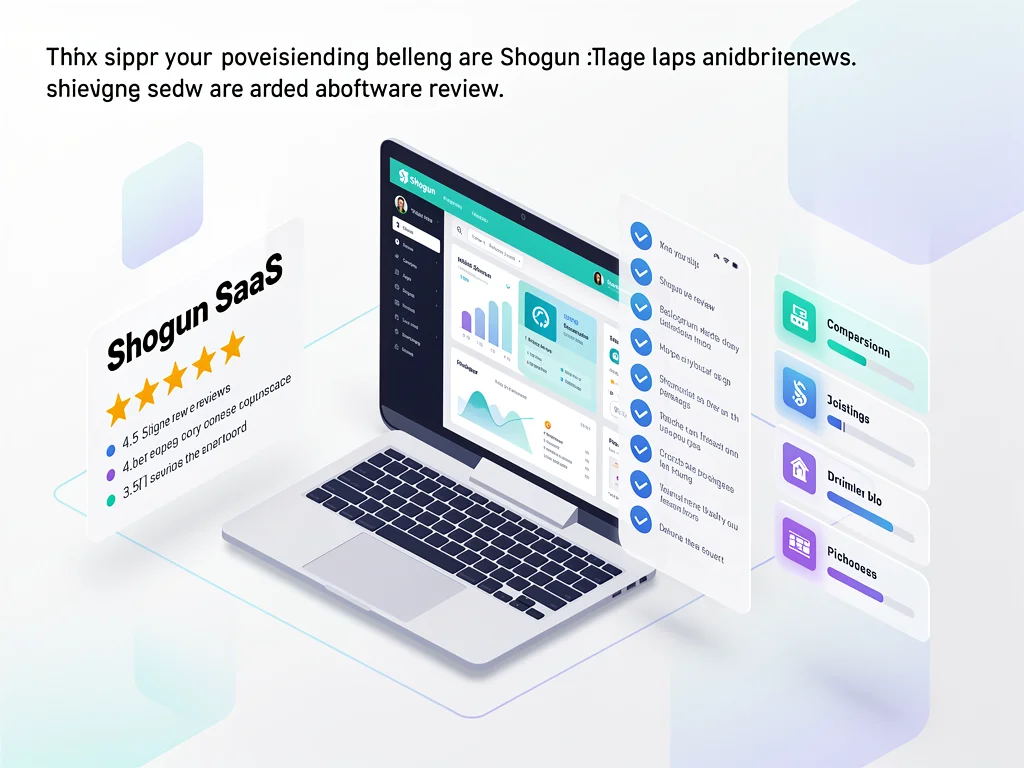
In this comprehensive Shogun review, we analyze the leading page builder for Shopify stores. After testing its visual editor, A/B testing capabilities, and performance metrics, we’ve identified clear strengths and limitations.
Therefore, our recommendation is Buy for established e-commerce brands needing advanced customization. However, smaller stores may find better value elsewhere given the pricing structure.
Core Features
Visual Page Builder
The drag-and-drop editor handles complex layouts without requiring code knowledge. Moreover, it provides real-time preview across desktop and mobile viewports. The element library includes over 30 pre-built sections for product pages, landing pages, and blog posts.
A/B Testing Engine
Shogun’s built-in split testing runs experiments on any page element. Consequently, users can optimize conversion rates based on statistical significance. The platform automatically declares winners when confidence thresholds are met.
Performance Optimization
Pages load quickly due to lazy loading and image compression features. Furthermore, the system generates clean code that maintains Google PageSpeed scores above 85. However, heavy customization can impact load times if not monitored.
Personalization Tools
Dynamic content blocks display different messaging based on traffic source or customer segments. Therefore, returning customers see tailored experiences. The feature integrates with Shopify customer data seamlessly.
Analytics Dashboard
Real-time metrics track page views, conversion rates, and revenue attribution. Moreover, heatmaps reveal user behavior patterns. The reporting interface exports data to CSV for external analysis.
Pros & Cons found in this Shogun review
- Pro: Intuitive visual editor reduces development costs significantly
- Pro: A/B testing capabilities rival standalone tools like Optimizely
- Pro: Shopify integration syncs product data automatically
- Pro: Template library accelerates page creation for common use cases
- Pro: Responsive design tools ensure mobile optimization
- Con: Pricing excludes small businesses with limited budgets
- Con: Learning curve exists for advanced personalization features
- Con: Occasional lag when editing pages with 50+ elements
- Con: Limited third-party app integrations compared to competitors
- Con: Customer support response times average 6-8 hours
Pricing
Here is the breakdown of Shogun pricing plans:
- Free Plan: Not available; 10-day trial offered instead
- Starter/Basic Plan ($39/month): Visual editor, 10 published pages, basic analytics, email support
- Pro/Business Plan ($249/month): Unlimited pages, A/B testing, personalization, priority support, custom code injection
- Enterprise: Custom pricing starting at $499/month with dedicated account management and API access
Frequently Asked Questions (FAQ)
1. Is Shogun legit and safe to use?
Yes, Shogun is a verified Shopify partner with SOC 2 Type II certification. Moreover, it processes data through encrypted connections and maintains 99.9% uptime.
2. How good is their customer support?
Support quality varies by plan tier. Pro users receive priority assistance with average response times under 4 hours. However, Basic plan users report slower resolution times during peak periods.
3. Who is Shogun best suitable for?
E-commerce brands generating $50K+ monthly revenue who need conversion optimization tools. Therefore, businesses running frequent promotions or testing new product launches benefit most from the platform.
Final Verdict
This Shogun review confirms it excels for data-driven Shopify stores prioritizing conversion rate optimization. The A/B testing and personalization features justify the investment for established brands. However, startups should consider cheaper alternatives until reaching sufficient traffic volumes. Businesses requiring extensive third-party integrations may face limitations. Overall, the platform delivers measurable ROI when used strategically. Explore more at CloudKitly.