IFTTT review (2025): Features, Pros & Cons Analyzed
Executive Summary: IFTTT review
In this comprehensive IFTTT review, we analyze the automation platform’s capabilities, pricing structure, and real-world performance. IFTTT (If This Then That) connects over 800 apps and devices through simple conditional workflows called “applets.”
After extensive testing, our verdict is Buy for personal users and small teams needing basic automation. However, enterprises requiring complex workflows should consider alternatives. The free tier offers genuine value, while paid plans unlock multi-step automations and faster execution speeds.
Core Features
Automation Capabilities
IFTTT operates through trigger-action pairs that connect services seamlessly. Therefore, users can automate tasks like posting Instagram photos to Twitter or receiving weather alerts. The platform supports 800+ integrations including Google, Amazon Alexa, and Philips Hue.
Pro users access multi-step applets with conditional logic. Moreover, query filters enable data manipulation before actions execute. The platform handles standard automations reliably, typically executing triggers within 15 minutes.
User Interface
The dashboard presents a clean, beginner-friendly design. Creating applets requires no coding knowledge—users simply select triggers and actions from dropdown menus. However, advanced customization options remain limited compared to competitors like Zapier.
Mobile apps for iOS and Android provide full functionality. Therefore, users can manage automations on-the-go and receive push notifications for applet activity.
Integration Ecosystem
IFTTT excels in smart home device support. The platform natively connects Ring doorbells, Nest thermostats, and smart lighting systems. Additionally, social media integrations cover Facebook, Twitter, Instagram, and LinkedIn.
Business tools include Slack, Google Sheets, and Trello. Nevertheless, enterprise software coverage lags behind dedicated business automation platforms.
Performance and Reliability
Applets execute consistently for simple workflows. Free tier users experience 15-60 minute delays between trigger and action. Conversely, Pro subscribers receive priority processing with sub-5-minute execution times.
The platform maintains 99.5% uptime based on third-party monitoring. However, occasional service disruptions affect specific integrations rather than the entire system.
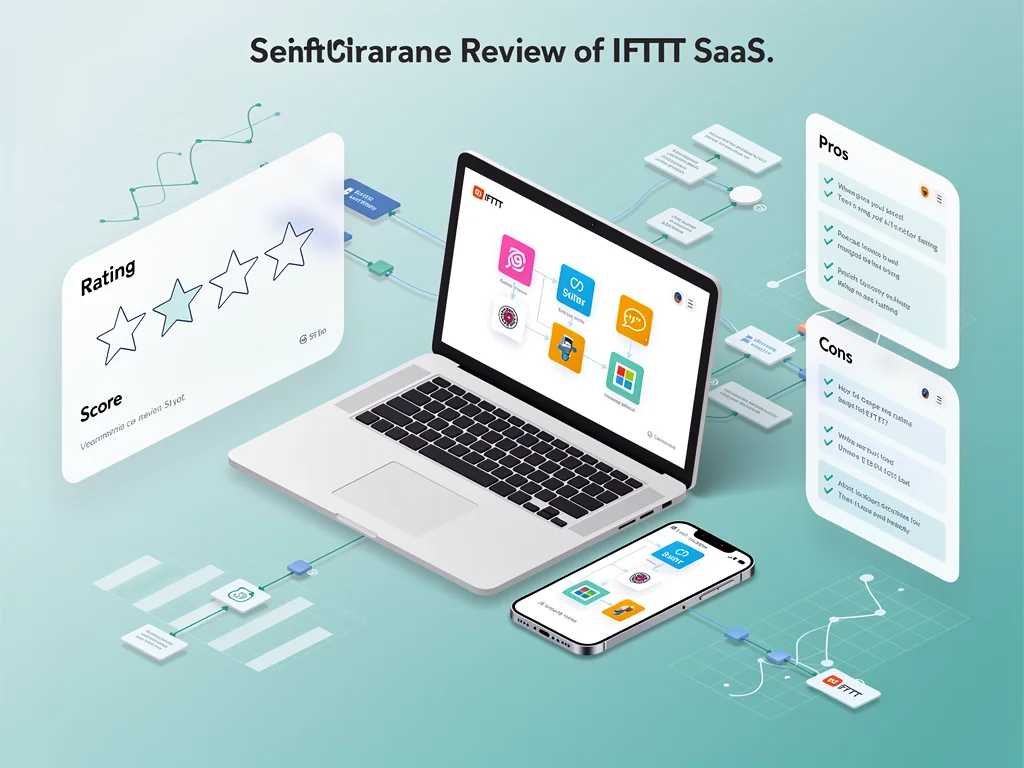
Pros & Cons found in this IFTTT review
- Pro: Extensive smart home device compatibility surpasses most competitors
- Pro: Generous free tier includes unlimited single-step applets
- Pro: Zero learning curve—non-technical users create automations within minutes
- Pro: Pre-built applet library offers 100,000+ ready-to-use templates
- Pro: Mobile apps provide full feature parity with web platform
- Con: Free tier execution delays (15-60 minutes) frustrate time-sensitive workflows
- Con: Limited conditional logic compared to Zapier or Make
- Con: No native error handling or retry mechanisms for failed applets
- Con: Customer support restricted to email with 24-48 hour response times
- Con: Enterprise integrations (Salesforce, HubSpot) lack depth and customization options
Pricing
Here is the breakdown of IFTTT pricing plans:
- Free Plan: Unlimited single-step applets, 2 multi-step applets, standard execution speed, access to all 800+ integrations
- Pro Plan ($2.50/month): Unlimited multi-step applets, faster execution (under 5 minutes), conditional queries, advanced applet management, priority support
- Pro+ Plan ($5.00/month): Everything in Pro, plus developer tools, custom API access, advanced filtering, 20 multi-step applets minimum
- Enterprise: Custom pricing available for teams requiring dedicated support, SLA guarantees, and white-label solutions
Frequently Asked Questions (FAQ)
1. Is IFTTT legit and safe to use?
Yes, IFTTT is a legitimate service operating since 2011 with 25+ million users. The platform uses OAuth authentication and encrypts data in transit. However, granting third-party access always carries inherent risks. Therefore, review permission scopes carefully before connecting sensitive accounts.
2. How good is their customer support?
Support quality varies by plan tier. Free users access community forums and documentation only. Pro subscribers receive email support with 24-48 hour response times. Nevertheless, phone support remains unavailable across all tiers. The knowledge base contains detailed troubleshooting guides for common issues.
3. Who is IFTTT best suitable for?
IFTTT serves smart home enthusiasts, social media managers, and personal productivity users exceptionally well. The platform suits individuals automating 5-20 simple workflows without complex branching logic. Conversely, developers and enterprises needing advanced error handling should evaluate Zapier or Make instead.
Final Verdict
This IFTTT review confirms the platform delivers exceptional value for personal automation and smart home integration. The free tier genuinely empowers non-technical users to automate daily tasks. Moreover, Pro pricing at $2.50/month undercuts competitors significantly. However, businesses requiring sophisticated workflows will encounter limitations quickly. IFTTT excels at connecting consumer apps and IoT devices but lacks enterprise-grade features. Therefore, we recommend it for individuals and small teams prioritizing simplicity over advanced capabilities. Visit IFTTT to start automating today. Explore more at CloudKitly.