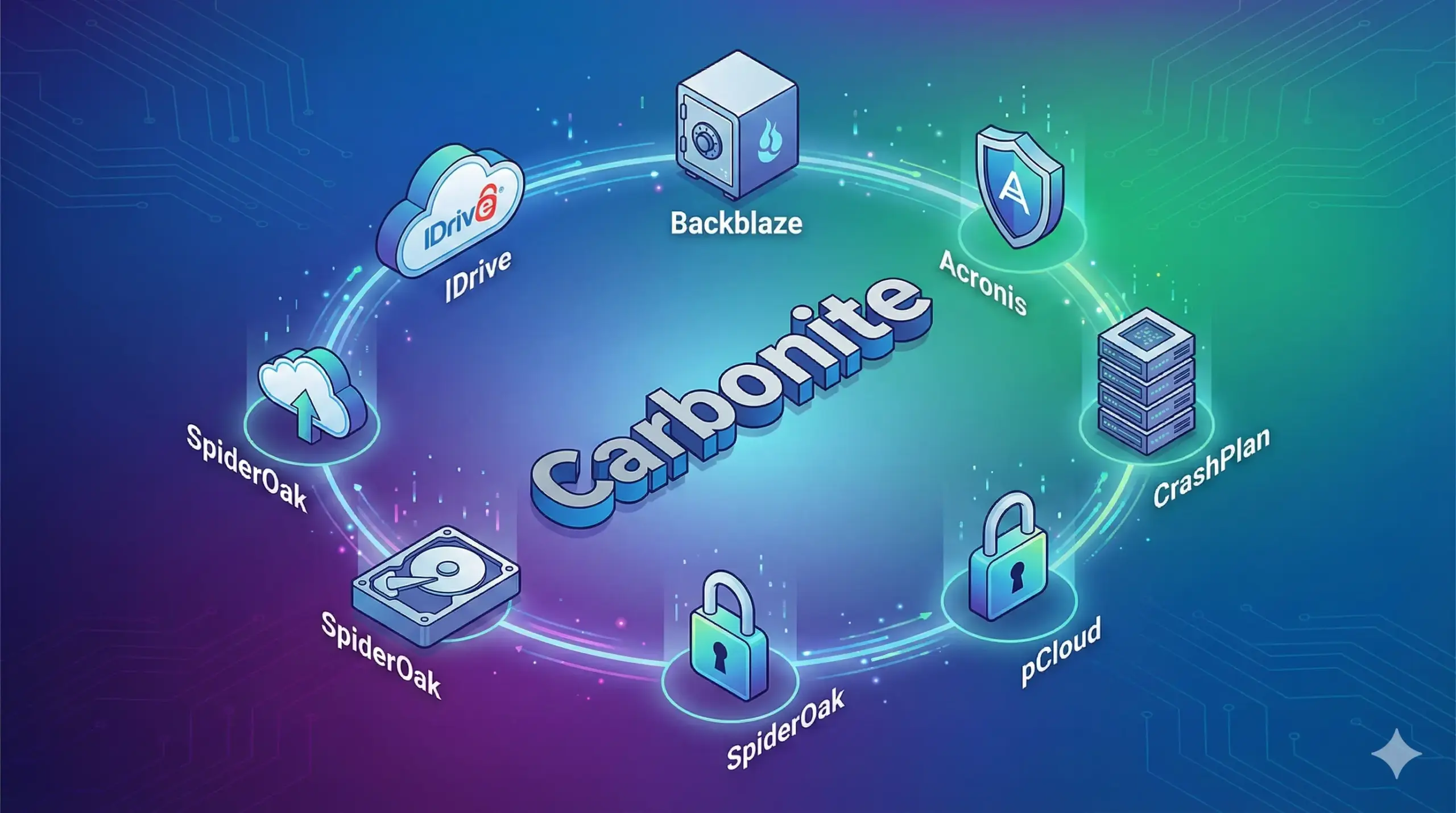
7 Best Carbonite Alternatives in 2026 (Cheaper & Faster)
Carbonite used to be the king of cloud backup. But in 2026, the landscape has changed. Users are increasingly frustrated with Carbonite’s throttled upload speeds, price hikes, and the inability to back up external drives on basic plans.
If you are looking for a way out, you are not alone. We tested the leading backup solutions to find the ones that offer better security, faster recovery, and significantly better value for your money.
🏆 The Quick Verdict
- Best Overall Value: IDrive. Unlike Carbonite, it covers unlimited devices (PCs, Macs, iPhones) for one low price. It also supports external hard drives without extra fees.
- Easiest “Set & Forget”: Backblaze. If you want true unlimited storage for a single computer, this is the simplest tool on the market.
- Best for Security: Acronis Cyber Protect. Essential if you are worried about Ransomware targeting your business data.
Why Are People Leaving Carbonite?
Before we dive into the alternatives, let’s address the elephant in the room. Why switch?
- Cost per Device: Carbonite charges you per computer. If you have a laptop and a desktop, you pay double. Competitors like IDrive cover all your devices for one fee.
- Speed Throttling: Carbonite is notorious for slowing down backup speeds after you upload a certain amount of data.
- Video Limitations: Basic Carbonite plans often require manual selection for video files, which is risky.
Top 5 Carbonite Alternatives Compared
| Service | Best For | Price (Approx) | Device Limit |
|---|---|---|---|
| IDrive | Value & Features | ~$79 / year (5TB) | Unlimited |
| Backblaze | Simplicity | $99 / year | 1 Computer |
| Carbonite | (The Baseline) | ~$100+ / year | 1 Computer |
| Acronis | Security | $89 / year | Per Device |
| pCloud | Lifetime Access | $199 (One-time) | Unlimited |
1. IDrive: The “Carbonite Killer”
Best for: Small businesses and multi-device households.
IDrive is widely considered the best direct replacement for Carbonite. Its biggest selling point is that it doesn’t care how many computers you have. You buy 5TB or 10TB of space, and you can back up your office PC, your home laptop, your iPad, and your Android phone into the same account.
Why it beats Carbonite:
It includes “IDrive Express” — they will send you a physical hard drive to speed up your initial backup (or recovery) for free once a year. Carbonite charges extra for this courier service on most plans.
2. Backblaze: True Unlimited Backup
Best for: Users with massive data (Photographers, Videographers).
Backblaze has a cult following for a reason. It is the only major provider left that offers truly unlimited storage. Have 50TB of raw 4K footage? Backblaze will back it up for the same flat monthly fee.
Why it beats Carbonite:
Simplicity. There are no tiers or storage limits. It just works. However, remember that the license is per computer.
3. Acronis Cyber Protect: Backup + Antivirus
Best for: Business compliance and anti-ransomware.
Acronis isn’t just backup; it’s a security suite. It actively scans your files for ransomware attacks. If it detects encryption happening, it stops the virus and automatically restores the affected files from the backup.
4. SpiderOak One: Zero-Knowledge Privacy
Best for: Lawyers, Doctors, and Privacy advocates.
If you don’t trust the cloud, choose SpiderOak. Their “No Knowledge” architecture means that not even SpiderOak employees can see your file names or content. It is more expensive and slightly more technical, but for sensitive data, it is unmatched.
5. pCloud: The Lifetime Option
Best for: Saving money in the long run.
Most backup services rent you space. pCloud sells it to you. You can pay a one-time fee (often around $200-$300 during sales) and keep the storage forever. If you plan to use backup for more than 3 years, this is mathematically the cheapest option.
Final Verdict: Which Should You Choose?
The decision comes down to how many devices you have.
- If you have one computer with tons of data: Go with Backblaze.
- If you have multiple computers (e.g., a laptop and a desktop): Go with IDrive. You will save 50% compared to buying two Carbonite licenses.
Frequently Asked Questions
Can I migrate my data from Carbonite directly?
No automated tool will move data from Carbonite cloud to another cloud (due to encryption). You will need to ensure your files are on your local drive and then start a new backup with the new provider.
Is Carbonite safer than Dropbox?
Yes and no. Carbonite is a backup tool (disaster recovery), while Dropbox is a sync tool (collaboration). For a detailed breakdown, read our comparison: Carbonite vs Dropbox: The Key Differences.