Jotform vs Typeform comparison (2026): Features, Costs & Verdict
Executive Summary
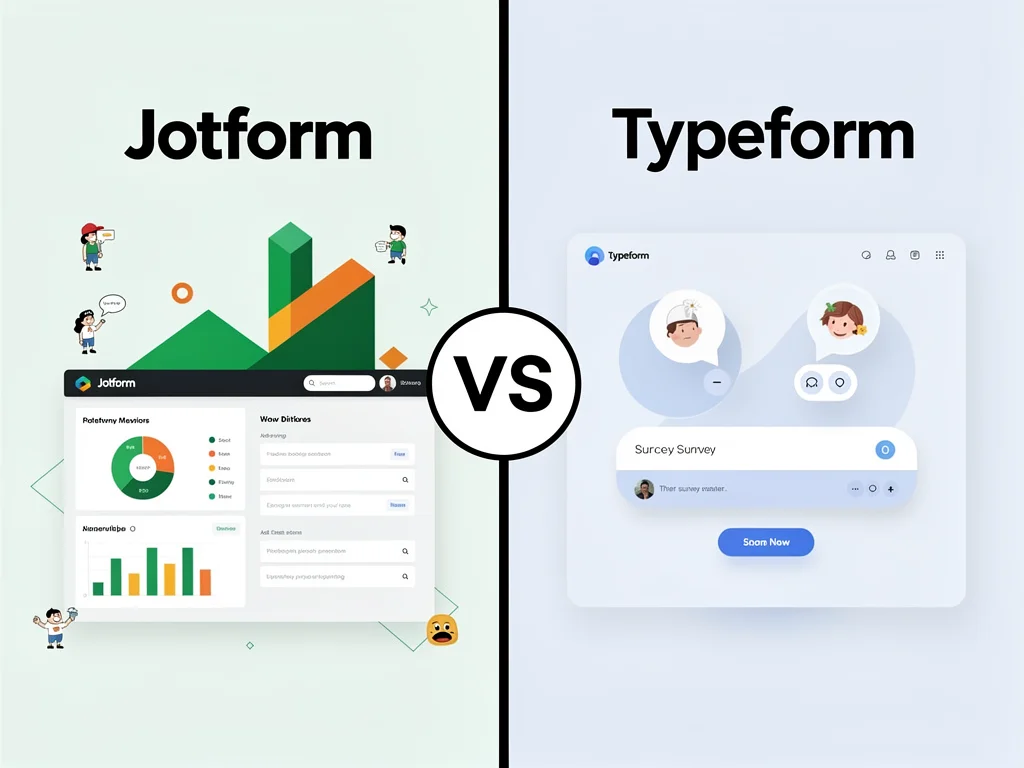
In this detailed Jotform vs Typeform comparison, we reveal which form builder delivers superior value for different business needs. Jotform dominates with 10,000+ templates and advanced payment integrations, making it ideal for enterprises and agencies. Conversely, Typeform excels at conversational forms with sleek UX, perfect for marketers prioritizing engagement over complexity.
Therefore, Jotform wins for organizations needing robust workflows and compliance features. However, Typeform captures startups and creative teams seeking interactive surveys with minimal setup time (~15 minutes vs. Jotform’s ~45 minutes).
Comparison Table
| Feature | Jotform | Typeform |
|---|---|---|
| Templates | 10,000+ | 500+ |
| Free Plan Submissions | 100/month | 10/month |
| Payment Integrations | 30+ gateways | Stripe, PayPal only |
| HIPAA Compliance | Yes (Enterprise) | No |
| Conversational UI | Limited | Native |
| Starting Price | $34/month | $25/month |
| Mobile App | iOS & Android | iOS only |
Core Features: Jotform
Jotform provides enterprise-grade form building with unmatched template variety. Marketing agencies leverage its 10,000+ pre-built forms to launch client campaigns within hours. Moreover, the platform supports 30+ payment processors including Square, Authorize.Net, and Venmo.
Advanced Workflow Automation
Jotform’s conditional logic handles complex approval chains automatically. HR departments use multi-step workflows to route employee onboarding forms through 5+ approval stages. Consequently, organizations save approximately 12 hours weekly on manual routing tasks.
Compliance and Security
HIPAA-compliant forms make Jotform essential for healthcare providers collecting patient data. Additionally, GDPR tools include automatic data deletion and EU-based servers. Financial institutions benefit from PCI DSS Level 1 certification for secure payment collection.
Offline Data Collection
The mobile app enables field teams to collect responses without internet connectivity. Construction companies use this feature at remote job sites, syncing 200+ daily inspections when reconnected. Therefore, data loss becomes virtually impossible.
Core Features: Typeform
Typeform revolutionizes form engagement through one-question-at-a-time interfaces. E-commerce brands report 35% higher completion rates compared to traditional multi-field forms. However, this approach sacrifices speed for users needing quick data entry.
Conversational Design Engine
Typeform’s Logic Jumps create personalized question paths based on previous answers. SaaS companies use this to qualify leads, reducing sales team follow-up time by 8 hours weekly. Moreover, the VideoAsk integration adds human touch through embedded video questions.
Design Customization
Brand-conscious startups appreciate Typeform’s custom fonts, background videos, and color schemes. The platform renders beautifully on mobile devices without additional configuration. Consequently, design agencies choose Typeform for client-facing surveys requiring visual polish.
Analytics and Insights
Built-in analytics track completion rates, drop-off points, and average response times. Marketing teams identify problematic questions causing 40%+ abandonment rates. However, advanced reporting requires third-party integrations like Google Analytics.
Price Comparison
Pricing structures at a glance:
- Jotform: Free (100 submissions/month), Starter ($34/month for 1,000 submissions), Bronze ($39/month for 10,000 submissions), Silver ($99/month for 100,000 submissions), Gold (Contact Sales for unlimited). Payment processing fees apply separately.
- Typeform: Free (10 submissions/month), Basic ($25/month for 100 submissions), Plus ($50/month for 1,000 submissions), Business ($83/month for 10,000 submissions), Enterprise (Contact Sales). Hidden costs include VideoAsk add-on at $20/month.
Verdict on Pricing: Jotform delivers better value for high-volume users, offering 10x more submissions at comparable price points. Typeform’s restrictive free plan (10 vs. 100 submissions) forces quick upgrades. Moreover, Typeform charges separately for essential features like payment collection and file uploads on lower tiers.
Pros & Cons
Jotform Pros & Cons
- Pro: 10,000+ templates cover every industry from real estate to education.
- Pro: HIPAA compliance enables healthcare data collection without custom development.
- Pro: 30+ payment gateways support global transactions in 130+ currencies.
- Pro: Offline mobile app prevents data loss in low-connectivity environments.
- Pro: Generous free tier allows 100 monthly submissions versus competitors’ 10-50.
- Con: Interface feels cluttered compared to Typeform’s minimalist design.
- Con: Conversational forms require workarounds using card layouts.
- Con: Steeper learning curve adds 2-3 hours to initial setup.
- Con: Mobile app lacks Android tablet optimization.
- Con: Advanced features locked behind $99/month Silver plan.
Typeform Pros & Cons
- Pro: One-question-at-a-time format increases completion rates by 35%.
- Pro: Intuitive builder requires zero training for basic forms.
- Pro: Logic Jumps create personalized experiences without coding.
- Pro: Beautiful default themes eliminate need for design customization.
- Pro: VideoAsk integration adds human connection to automated surveys.
- Con: Restrictive free plan caps submissions at 10/month.
- Con: Only 500+ templates versus Jotform’s 10,000+.
- Con: No HIPAA compliance option for healthcare organizations.
- Con: Limited payment processors (Stripe and PayPal only).
- Con: No Android mobile app for offline data collection.
Frequently Asked Questions (FAQ)
1. Which tool is better for small businesses?
Jotform wins for small businesses needing diverse payment options and high submission volumes. Its 100-submission free tier and $34 Starter plan provide better ROI than Typeform’s restrictive 10-submission limit.
2. Does Jotform offer better integration than Typeform?
Yes. Jotform connects with 150+ apps including Salesforce, Slack, and Airtable natively. Typeform supports 120+ integrations but requires Zapier for many enterprise tools, adding $20-50/month in costs.
3. Is there a free version available?
Both offer free plans. However, Jotform’s 100 monthly submissions vastly outperform Typeform’s 10-submission cap. Therefore, Jotform provides functional free usage while Typeform’s free tier serves only as trial.
4. Can I collect payments through forms?
Jotform supports 30+ payment gateways including Square, Venmo, and Authorize.Net. Conversely, Typeform restricts payments to Stripe and PayPal, limiting international transaction options.
5. Which platform handles HIPAA compliance?
Only Jotform offers HIPAA-compliant forms through Enterprise plans. Typeform lacks healthcare compliance certifications, making it unsuitable for medical practices collecting protected health information.
Final Verdict: Winner Revealed
In this comprehensive Jotform vs Typeform comparison, Jotform wins for enterprises, healthcare providers, and agencies requiring robust compliance, payment flexibility, and high-volume submissions. Its 10,000+ templates and offline capabilities save organizations 10+ hours weekly on form creation and data collection.
However, Typeform dominates for creative agencies, SaaS marketers, and startups prioritizing engagement over functionality. The conversational interface delivers 35% higher completion rates, justifying premium pricing for lead generation campaigns. Moreover, setup takes 15 minutes versus Jotform’s 45-minute learning curve.
Therefore, choose Jotform for operational efficiency and compliance. Select Typeform for brand-forward surveys maximizing respondent experience. Check more reviews at CloudKitly.


![ActiveCampaign vs Leadpages: Ultimate Marketing Tool Showdown [November 2025]](https://cloudkitly.com/wp-content/uploads/2025/11/activecampaign-vs-leadpages-768x768.jpg)