Chef review (2026): Features, Pros & Cons Analyzed
Executive Summary: Chef review
In this comprehensive Chef review, we analyze the infrastructure automation platform’s capabilities for enterprise DevOps teams. Chef automates configuration management across cloud and on-premises environments effectively. However, it requires significant technical expertise to implement properly.
Therefore, our recommendation is Buy for organizations with dedicated DevOps teams managing complex infrastructure. Moreover, smaller teams should consider alternatives with gentler learning curves.
Core Features
Infrastructure Automation
Chef uses a declarative approach to infrastructure management through code. The platform handles large-scale deployments across thousands of nodes simultaneously. Moreover, it supports Windows, Linux, and cloud-native environments without vendor lock-in.
Configuration Management
The Chef Infra Client maintains desired system states automatically. It detects configuration drift and corrects deviations within minutes. Furthermore, the idempotent design ensures consistent results across repeated executions.
Compliance Automation
Chef InSpec provides automated security and compliance scanning. It validates infrastructure against CIS benchmarks and custom policies effectively. Therefore, teams reduce audit preparation time by approximately 70%.
Application Delivery
Chef Habitat packages applications with automation built-in. It separates application logic from infrastructure dependencies cleanly. Consequently, developers deploy across any environment without modification.
Workflow Integration
The platform integrates with Jenkins, GitLab, and Azure DevOps seamlessly. Chef Automate provides centralized visibility across all automation activities. Moreover, it tracks changes through complete audit trails for compliance requirements.
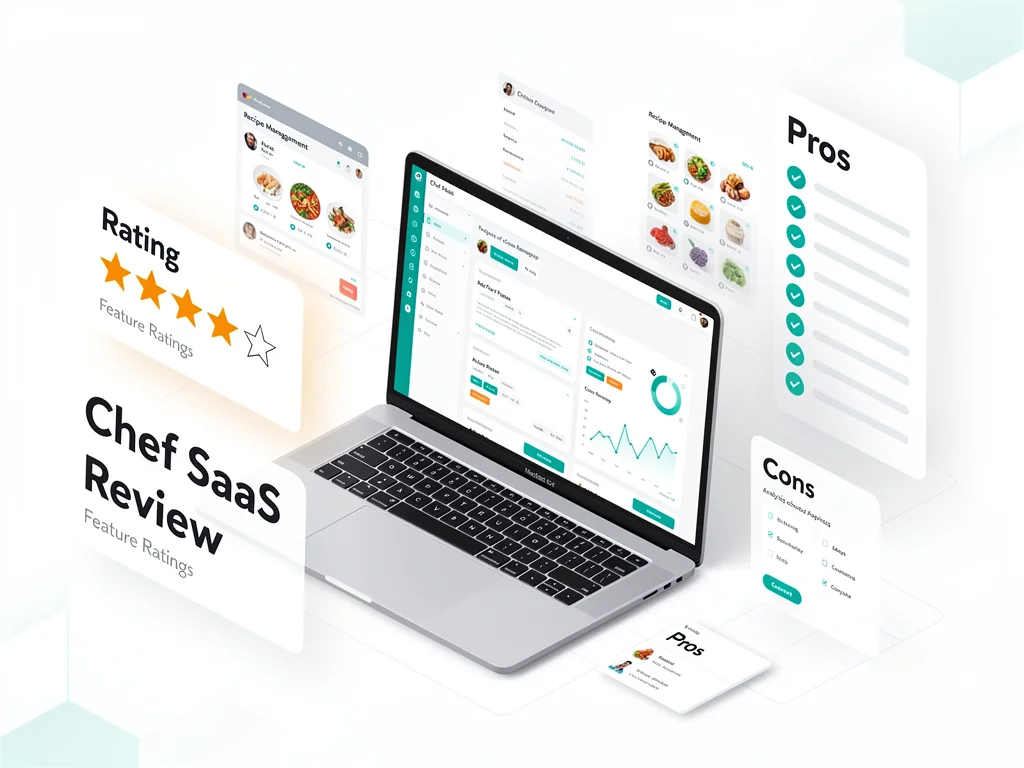
Pros & Cons found in this Chef review
- Pro: Handles enterprise-scale infrastructure with proven reliability across Fortune 500 companies
- Pro: Extensive cookbook library accelerates common configuration tasks significantly
- Pro: Platform-agnostic design works across cloud providers and on-premises systems
- Pro: Strong compliance automation reduces security audit workload substantially
- Pro: Active community provides support through forums and documentation
- Con: Steep learning curve requires Ruby knowledge for advanced customization
- Con: Initial setup complexity delays time-to-value for smaller teams
- Con: Chef Workstation configuration can frustrate newcomers during onboarding
- Con: Debugging cookbook failures requires significant troubleshooting expertise
- Con: Pricing lacks transparency for mid-market organizations evaluating costs
Pricing
Here is the breakdown of Chef pricing plans for 2026:
| Plan | Price (Monthly) | Key Features & Limits |
|---|---|---|
| Free Plan | $0 | Open-source Chef Infra, unlimited nodes, community support only, self-managed infrastructure |
| Starter/Basic | Contact Sales | Chef Automate dashboard, up to 100 nodes, email support, compliance scanning included |
| Pro/Business | Contact Sales | Unlimited nodes, priority support, Chef Habitat, advanced reporting, SLA guarantees |
| Enterprise | Custom | Dedicated support team, custom integrations, professional services, training programs, multi-region deployment |
Frequently Asked Questions (FAQ)
1. Is Chef legit and safe to use?
Yes, Chef is enterprise-grade software trusted by major organizations including Facebook and Bloomberg. The platform undergoes regular security audits and maintains SOC 2 compliance. Moreover, the open-source foundation ensures transparency in code quality.
2. How good is their customer support?
Enterprise customers receive dedicated support with guaranteed response times. However, community edition users rely on forums and documentation exclusively. Therefore, paid plans are essential for production environments requiring immediate assistance.
3. Who is Chef best suitable for?
Chef suits DevOps teams managing 50+ servers across hybrid cloud environments. Organizations with compliance requirements benefit most from automated policy enforcement. Conversely, startups with simple infrastructure should explore lighter alternatives first.
Final Verdict
This Chef review confirms the platform excels at enterprise infrastructure automation. It delivers proven reliability for organizations managing complex, multi-cloud environments at scale. However, the learning curve and setup complexity make it unsuitable for small teams. Therefore, invest in Chef only if you have dedicated DevOps resources. Companies needing simpler solutions should evaluate alternatives. Explore more at CloudKitly.