Trello pricing Guide (2026): Plans, Costs & Value
Executive Summary: Trello pricing
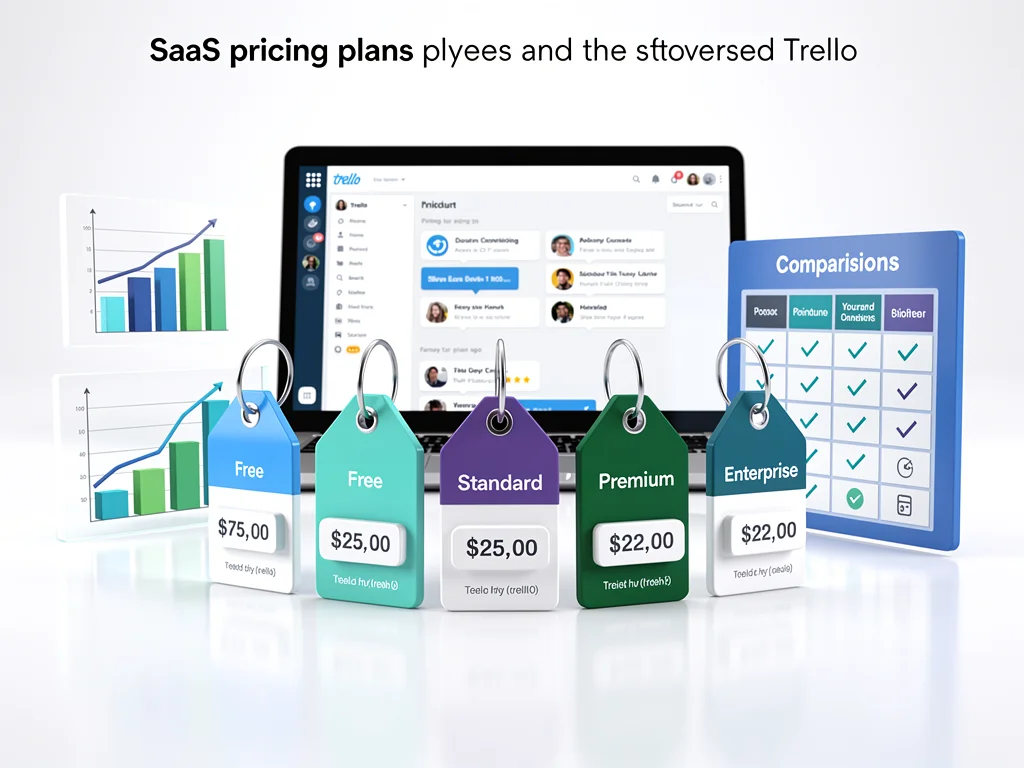
Understanding Trello pricing structure is crucial before committing to this project management platform. Trello offers four tiers ranging from free to enterprise-level solutions.
Compared to competitors like Asana or Monday.com, Trello positions itself as moderately priced. However, costs escalate quickly when scaling beyond basic features.
Plan Overview
| Plan | Price (Per User/Month) | Best For |
|---|---|---|
| Free | $0 | Individuals & small teams |
| Standard | $5 | Growing teams needing automation |
| Premium | $10 | Teams requiring advanced views |
| Enterprise | $17.50+ | Large organizations with compliance needs |
Free Plan Details
The Free tier supports unlimited cards and up to 10 boards per workspace. Additionally, it includes basic automation with 10 monthly command runs.
Limitations include 10MB file attachments and no advanced checklists. Consequently, teams handling large files will hit walls quickly.
Paid Plans Deep Dive
Standard Plan ($5/user/month)
This tier unlocks unlimited boards and advanced checklists. Key features include:
- 250MB file attachments per file
- 1,000 automation command runs monthly
- Saved searches and custom fields
- Single board guests for external collaboration
This plan strictly targets small to mid-sized teams managing multiple projects simultaneously. However, power users may find automation limits restrictive.
Premium Plan ($10/user/month)
Premium adds calendar, timeline, table, and dashboard views. Additional benefits include:
- Unlimited automation runs
- Admin and security features
- Collections for organizing boards
- Simple data export capabilities
This tier suits teams requiring visual project tracking across departments. Consequently, marketing and product teams benefit most from multiple view options.
Enterprise Plan ($17.50+/user/month)
Enterprise pricing varies based on organization size and requirements. Costs increase with custom integrations, dedicated support, and enhanced SLAs.
Additionally, features like organization-wide permissions, unlimited workspaces, and attachment permissions justify higher costs. Furthermore, annual contracts often unlock volume discounts of 15-20%.
Is it worth the money?
Trello pricing delivers solid value for visual thinkers and Kanban enthusiasts. However, teams needing Gantt charts or resource management require paid add-ons.
ROI becomes positive when automation saves 2+ hours weekly per user. At $10/month Premium, that equals $5/hour value—reasonable for most markets.
Value Verdict
Standard tier offers best bang-for-buck at $5/user/month. Premium justifies costs only for teams heavily using views and automation.
Conversely, Enterprise feels overpriced unless compliance features are mandatory. Additionally, hidden costs emerge from Power-Up subscriptions ($5-15/month each).
Frequently Asked Questions (FAQ)
1. Does Trello offer a free trial?
Yes, Premium and Enterprise plans include 14-day free trials. No credit card required for activation.
2. Are there any hidden setup fees?
No setup fees exist for standard plans. However, premium Power-Ups and third-party integrations carry additional monthly charges.
3. Can I cancel my subscription anytime?
Yes, monthly subscriptions cancel anytime without penalties. Annual plans don’t offer prorated refunds after 30 days.
Conclusion
Trello pricing remains competitive for visual project management, especially at Standard and Premium tiers. Consequently, teams should calculate total costs including necessary Power-Ups before committing. Furthermore, the free plan provides excellent testing ground for workflow compatibility. Read more at CloudKitly.